Authentication
To work with the TargPatrol API, you need to authenticate every request. This requires a dedicated token generated within your TargPatrol account.
Generating a Token
A personal API token is ideal for individual use or testing. You can include the token in the Authorization header like this:
Authorization: {personal_token}
How to Generate a Personal API Token:
- Log in to your TargPatrol account.
- Access your organization.
- Navigate to Management -> External API.
- Generate and save your token.
For more detailed instructions, check out the dedicated article in our Knowledge Base.
Note: Tokens do not expire once created.
Authentication
To authenticate, simply use your token. If you're testing with Swagger, copy your token and authorize it in the interface.
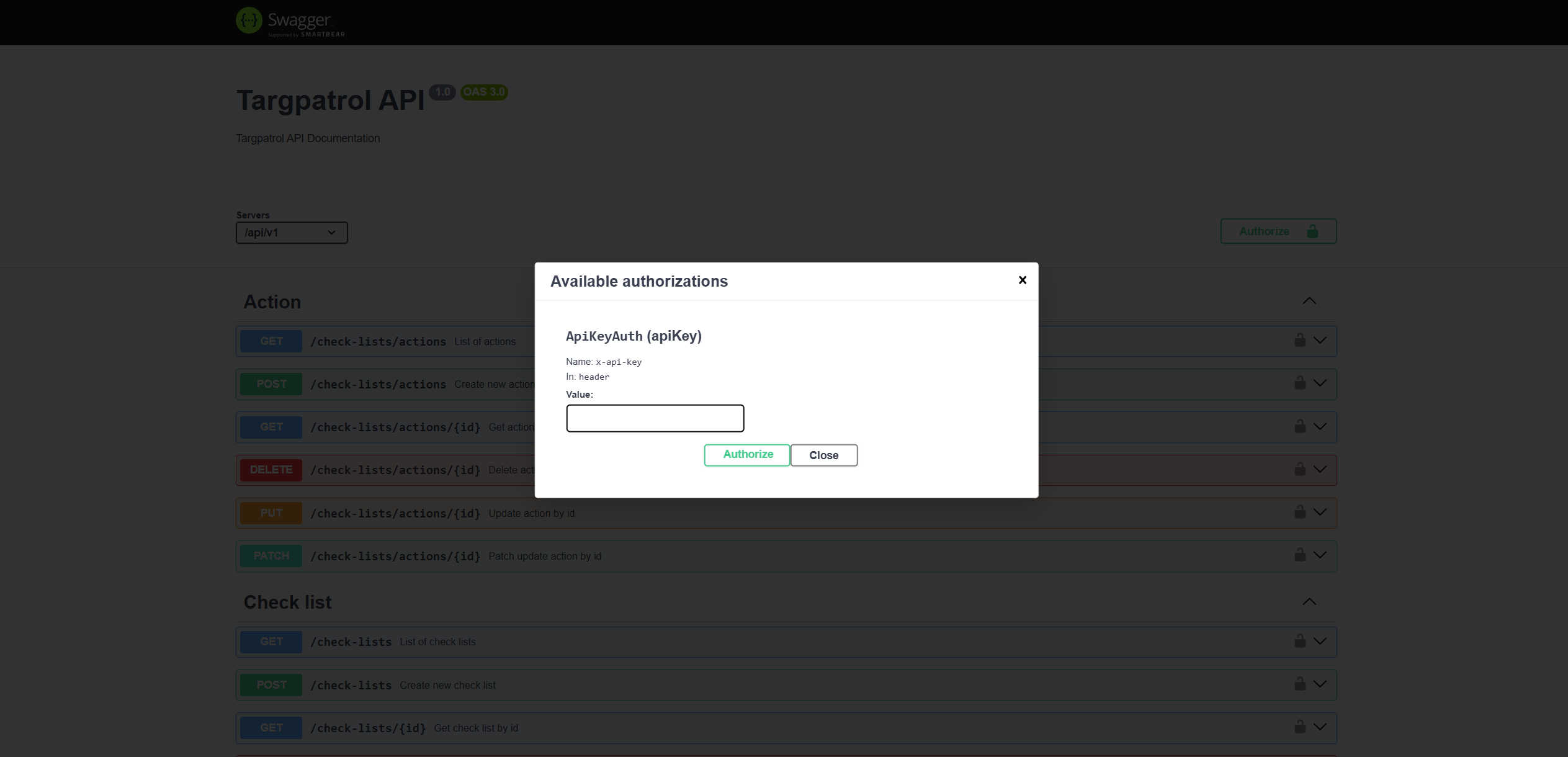
Using the Token in Integration Requests
Alternatively, you can include the token in your request headers. Here's an example:
headers = {
   'accept': 'application/json',
   'X-API-Key': 'TOKEN',
   'Content-Type': 'application/json',
}
This approach works seamlessly for integrations and custom API calls.