Try the API in Swagger
Swagger UI is a powerful and intuitive tool for testing APIs directly in your browser. It allows you to send requests, explore available methods, and view responses—all without writing any code. TargPatrol provides Swagger for quick and easy API testing.
Why Use Swagger?
- Intuitive Interface: Easily browse all available endpoints and their parameters.
- Fast Testing: Send requests and get real-time responses.
- Centralized Documentation: Access complete endpoint descriptions in one place.
- Time-Saving: No need to write code to test API requests.
How to Get Started with Swagger for TargPatrol
Step 1: Open Swagger
Go to Swagger TargPatrol.
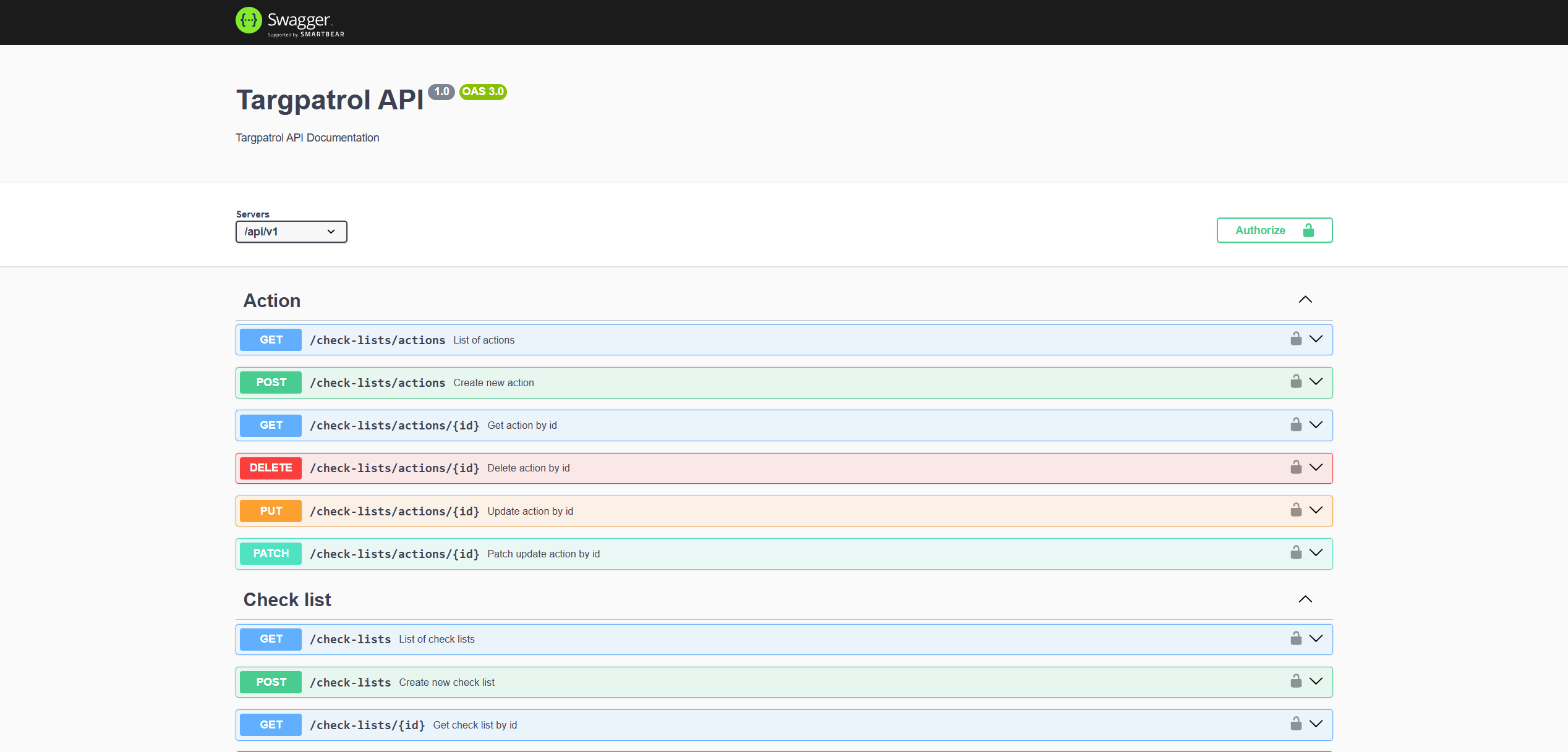
Step 2: Explore Available Endpoints
On the Swagger homepage, you'll find a categorized list of all available methods.
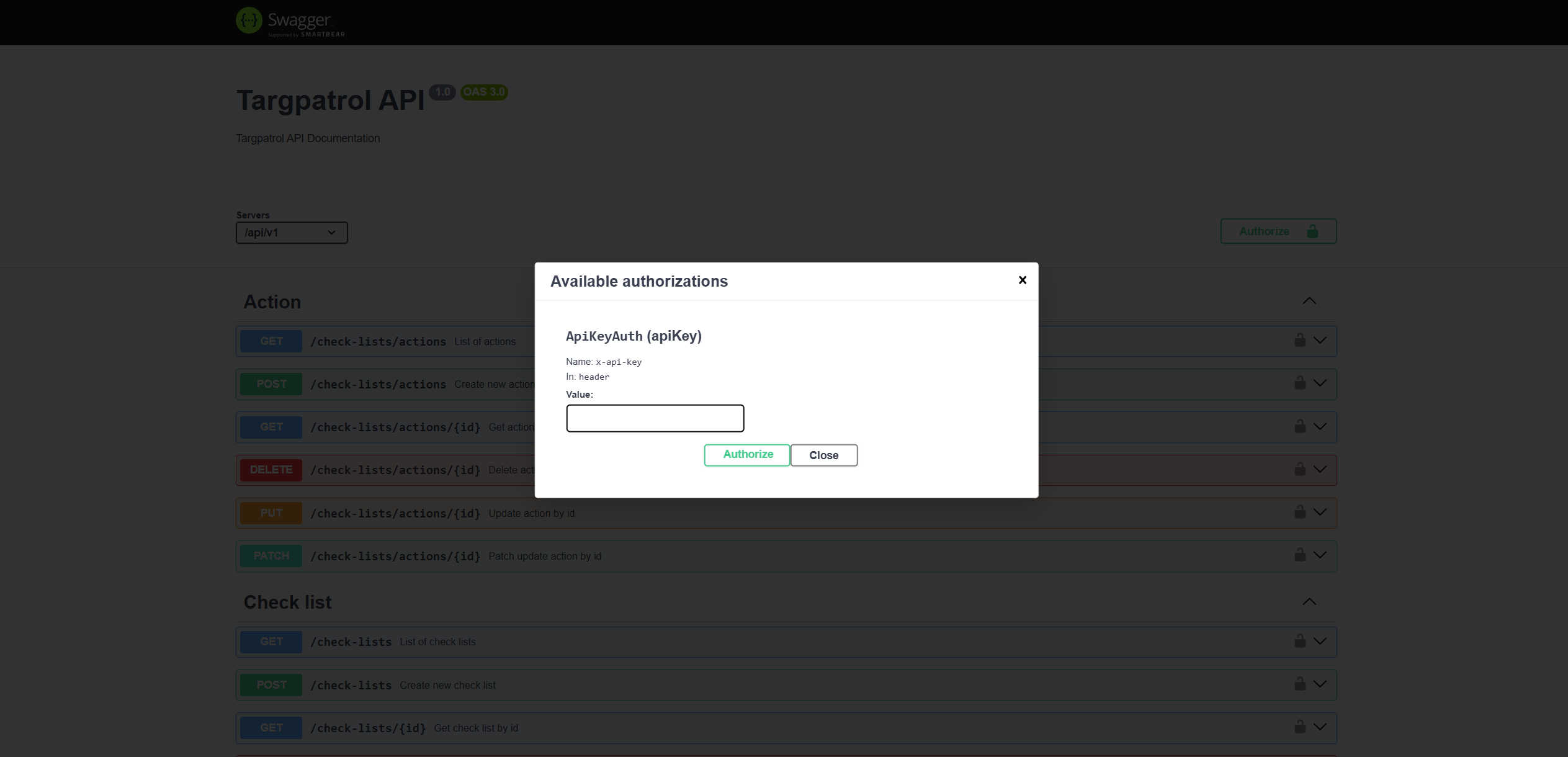
Step 3: Set Up Authorization
To send authenticated requests:
- Click the Authorize button in the top-right corner.
- Enter your personal API token in the provided field.
- Click Authorize and close the window.
Step 4: Test the API
- Select the endpoint you want to test.
- Click on it to open its details.
- Fill in the required request parameters.
- Click Execute.
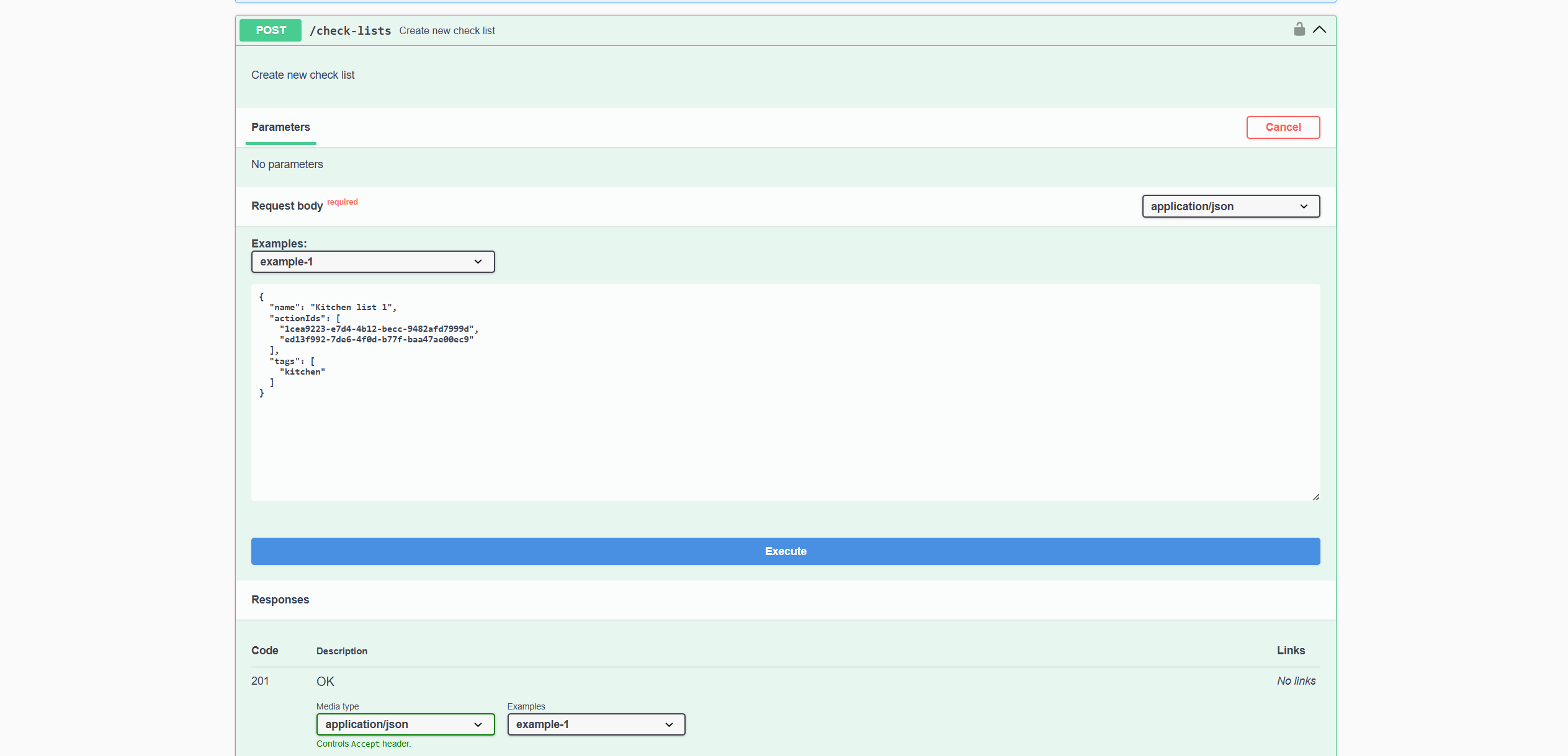
Swagger will display:
- The full request it generated.
- The response status (e.g., 200 OK).
- The API response content.
Start Testing Now
Swagger makes it simple to explore and test TargPatrol's API. Give it a try today!